
MVC3 Project Template Requires Solution Node in Solution Explorer
I’ve got Visual Studio 2010, MVC3, and the latest tools update. I’m all patched up. But I’m seeing something weird.
I start out and I have a solution with a single C# class library in it.
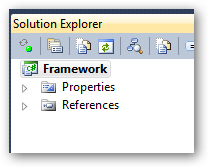
I decide to add an MVC3 site to it, so I do File -> Add New Project. I select an MVC3 project.
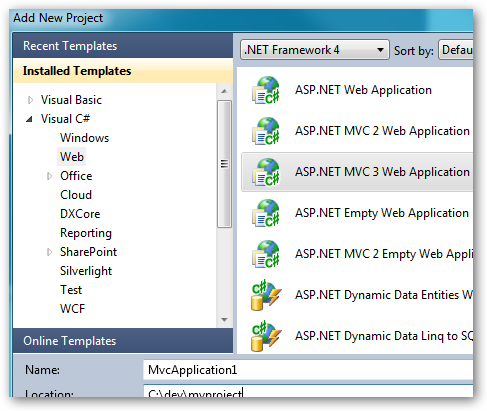
I click OK, and I select an Empty web application.
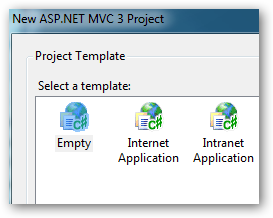
When I click OK on this screen, I get an error “Cannot add the item because the item to add it to is not a solution folder or the solution.”
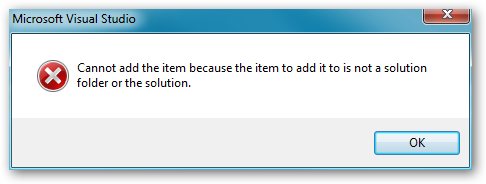
I click OK to dismiss the error and I see there’s a folder in the filesystem named the same as the project name I selected (like it started to put the project in there) but the folder is empty.
To work around this, you have to:
- Add a second project to your solution so that the solution itself shows up in Solution Explorer.
- Select the Solution node in Solution Explorer by clicking it once. It can’t be one of the projects. It has to be the solution.
- Now do File -> Add New Project and go through the steps to add the Empty ASP.NET MVC3 web application and it will work.
I’m not sure what’s going on where the project template is somehow keyed to the solution, but there you go.